




01
Find disguised media
Recognise images and videos even when their file extension has been changed to make them look like another file type.
Beyond the extensionEverything Snitch does, and then the places it cannot reach. Plus opens archives and examines the media inside them, reads documents and saved web pages for the words you care about, and catches files that have been renamed to hide — a video saved as a spreadsheet is still a video, and Plus knows it by reading the file rather than its name.
It reaches network and NAS drives, reads the history of eight browsers rather than two, lets you write your own keyword lists, and picks an interrupted scan back up where it stopped instead of starting over. And when you remove something, Delete & Scrub overwrites it first — so it is gone, not merely invisible.
Windows 10 & 11 · one-time purchase · free updates within version 5
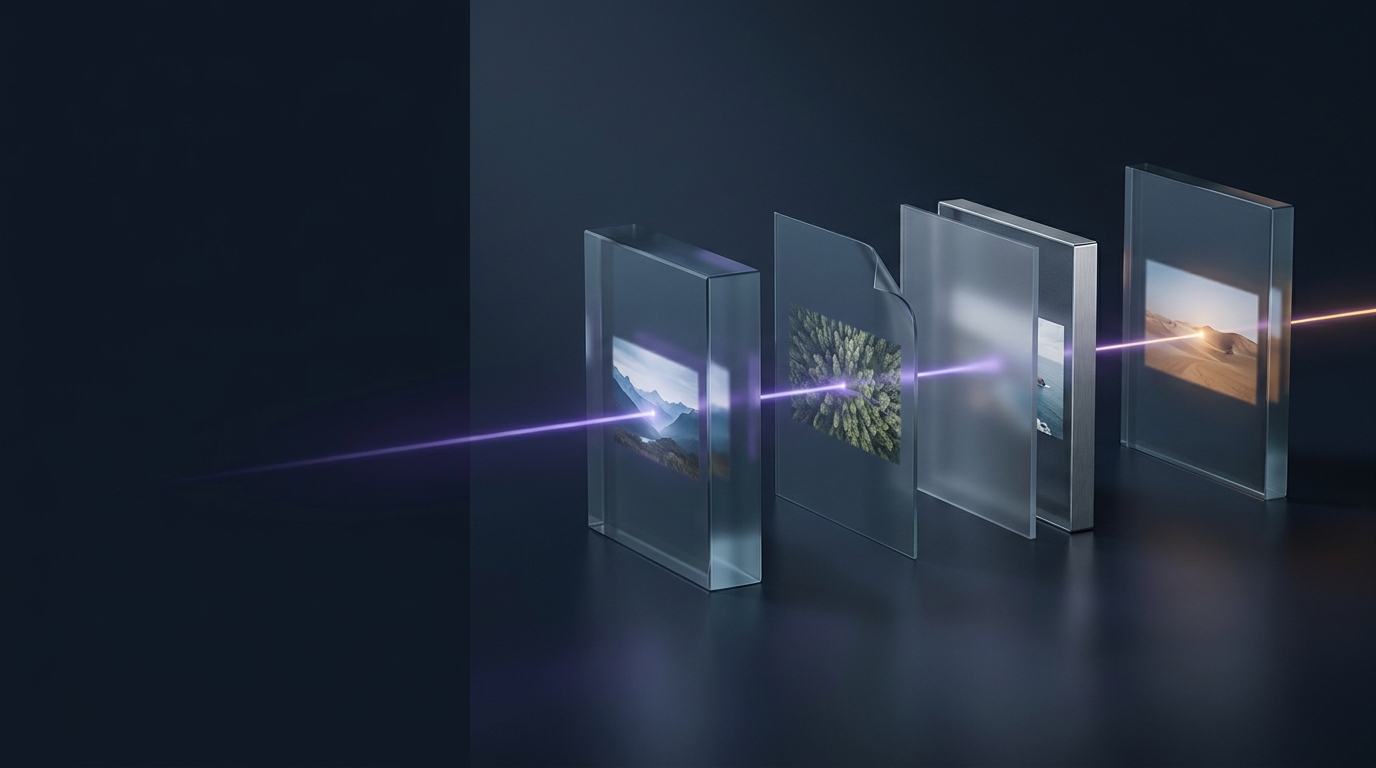
Snitch looks at pictures, videos and browser history. Plus opens the archive, reads the document, recognises the video hiding behind a document's name, and follows the mapped drive to the storage on the other end.
Recognise images and videos even when their file extension has been changed to make them look like another file type.
Beyond the extensionCheck ZIP, RAR, 7z, TAR, GZ, XZ, BZ2, CAB and ISO archives, including archives inside other archives, for supported content.
Nine archive formatsLook for suspicious words inside text, log, CSV, XML, RTF, HTML and PDF files, as well as checking their file names.
Text · HTML · RTF · PDF
Scan accessible shared folders, mapped drives and network storage, alongside your local and USB drives.
Shared drives + NASAdd Firefox, Brave, Opera, Opera GX, Vivaldi and Chromium to the Chrome and Edge history checks, including history from other local Windows users.
Eight browsers in allCreate a Custom keyword set and organise your own terms into categories to tailor your checks.
Your terms + categoriesResume a scan that stopped part-way through, rather than starting the whole scan again.
Pick up where you left offOverwrite selected files before removing them. This replaces Snitch’s standard Delete action; you still choose which files to remove.
Stronger cleanupWindows 10 and 11.
Image and video analysis stays on your PC.
Text, log, CSV, XML, RTF, HTML and PDF files. Word, Excel and PowerPoint support is part of PinPoint Auditor.
Plus can scan files in accessible network folders and mapped drives. Managing scans on remote computers, scheduling and examiner reporting are features of PinPoint Auditor.
Snitch uses standard Delete. Plus replaces it with Delete & Scrub, which overwrites selected files before removing them. You review the findings and confirm the removal yourself.
Try the detection technology on your own PC for 14 days and preview a limited selection of suspicious results. File deletion and copying are disabled.
One-time purchase · Free updates within version 5